Join a SmartyFile Organisation
To create a SmartyFile organisation, you'll need to have a registered SmartyGrants account. If you don’t have a SmartyGrants account, head here to register first.
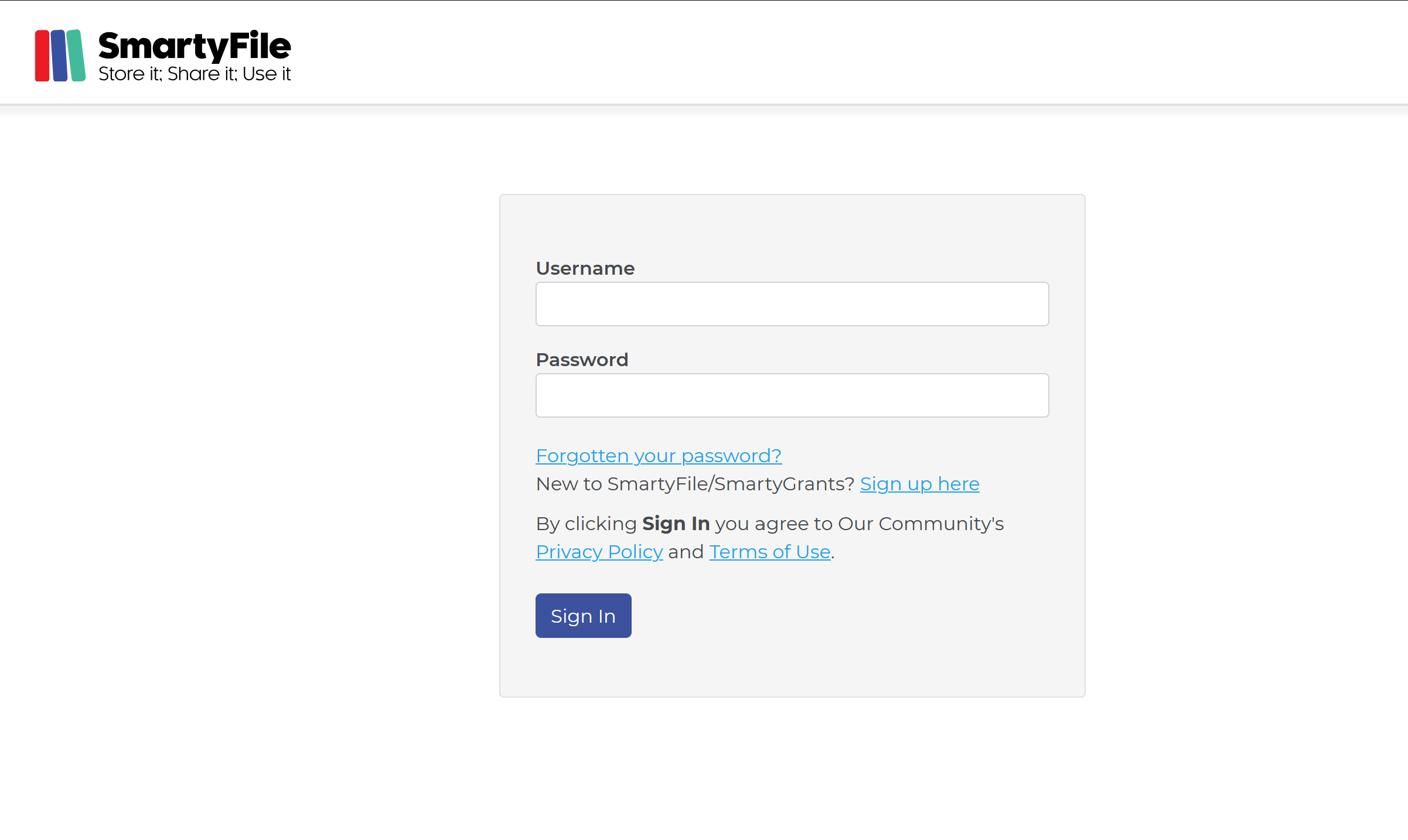
Then, you’ll need to log into SmartyFile using your SmartyGrants account. To log in, head to http://app.smartyfile.co.uk.
Join an existing Organisation
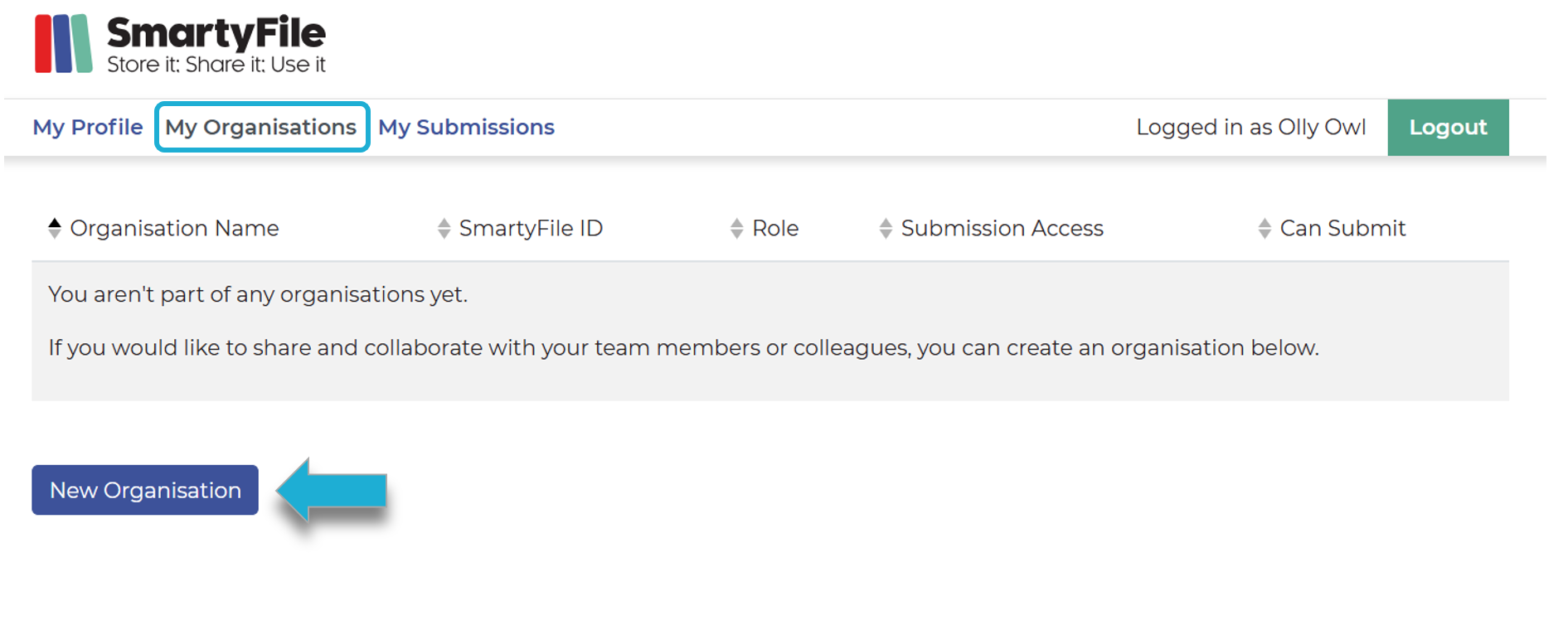
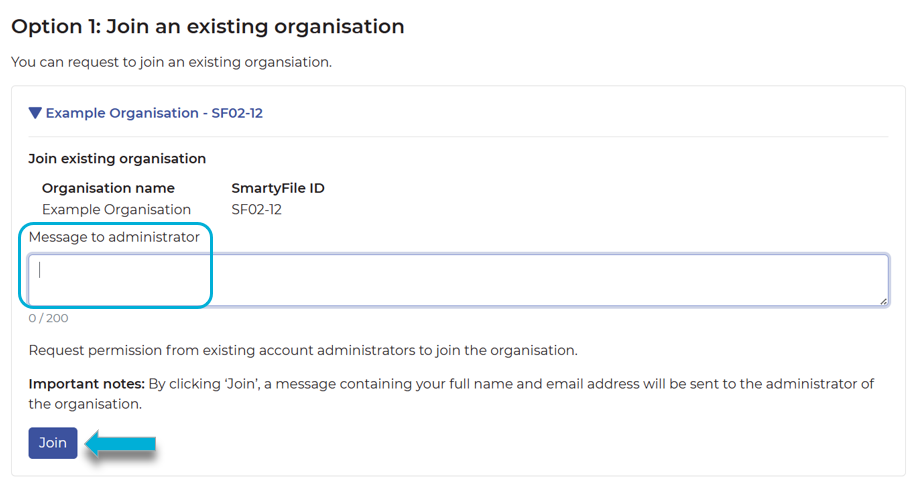
Once logged in, you will have the opportunity to join an existing organisation. Go to My Organisations. Select New Organisation. Type in your organisation’s name and select Lookup. Alternatively, if you have been given a SmartyFile ID for an existing organisation profile, you can type this in instead. If any existing organisations exist for the organisation name or SmartyFile ID that you’ve searched, they will appear under Option 1: Join an existing organisation. If none exist, you can consider creating an organisation instead. To join an organisation, select the blue right-facing arrow next to the name of the organisation. Type in a message for the organisation’s current administrators, and then select Join.